 Technology X Tomorrow's Technology Today!

SET UP & INSTALLATION
This is probably the easiest device, considering it’s purpose, to set up. Simply put, you take the EZ 4G Booster, connect the power adapter and COAX cable.
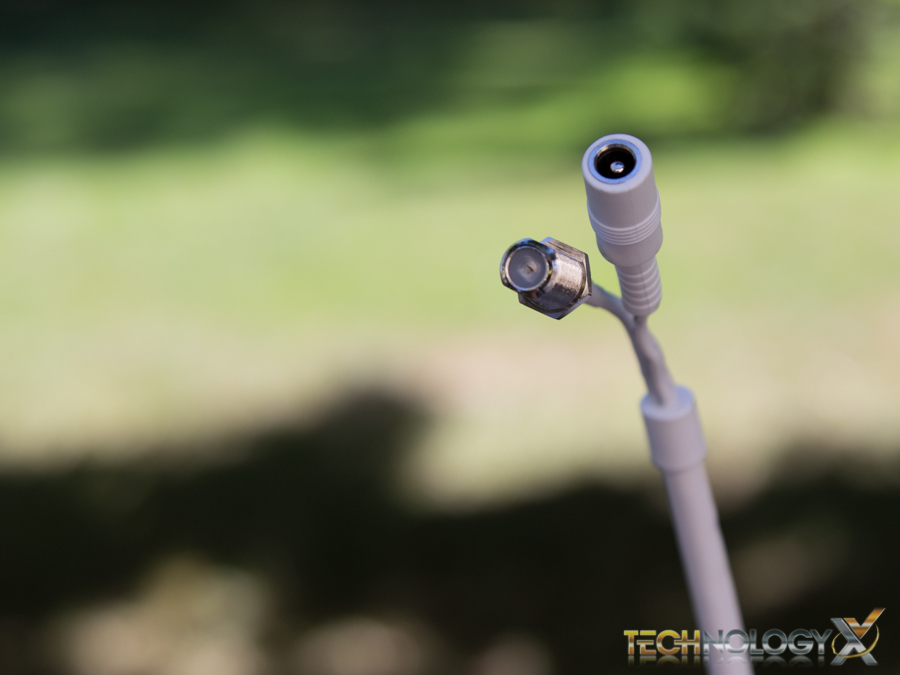
Then take the other end of the COAX and connect this to the indoor antenna. That’s it! You’re done!
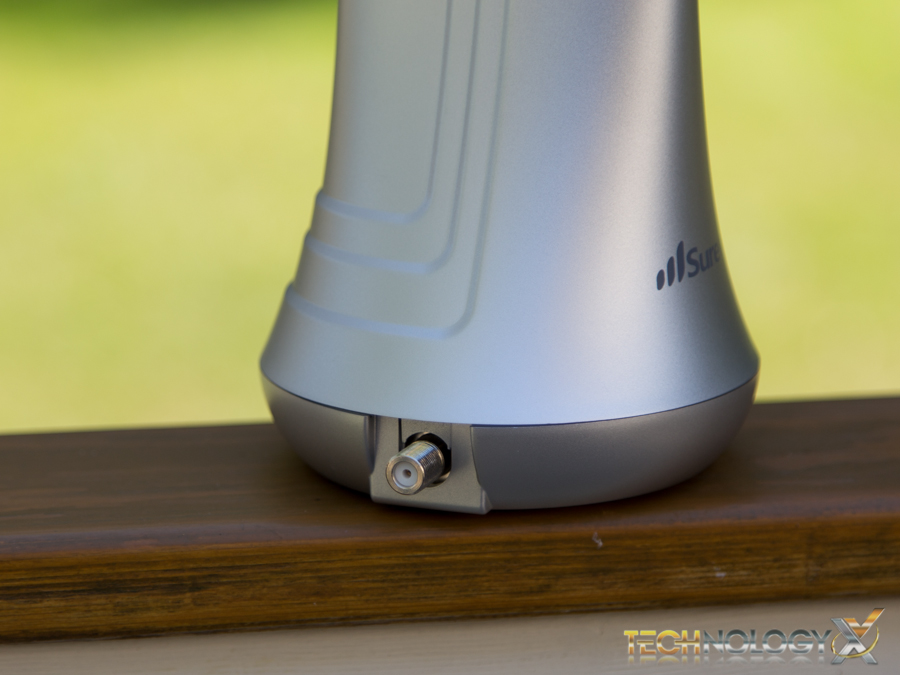
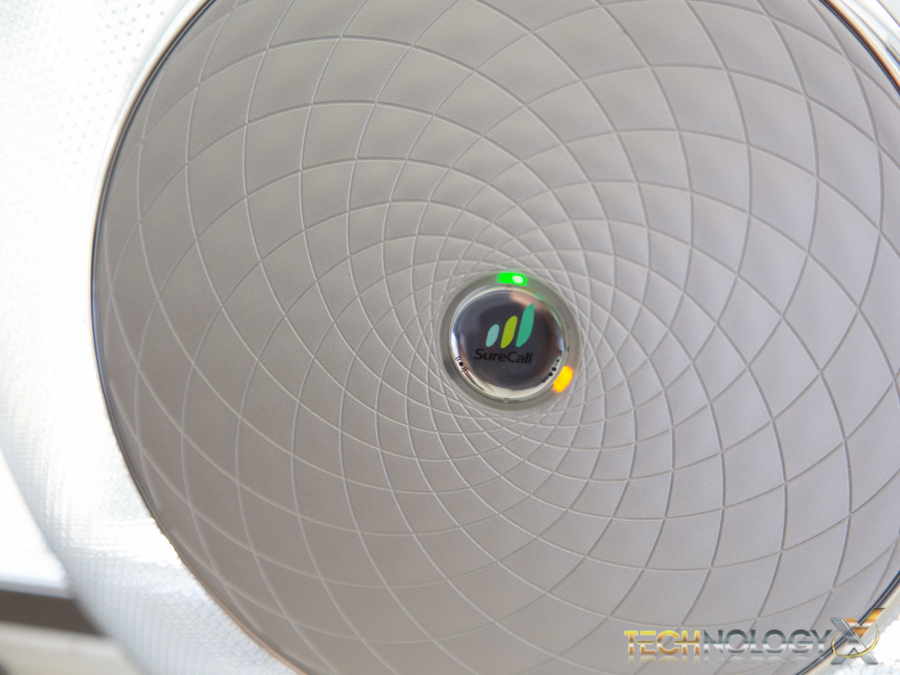
Really, it is that simple. After you plug everything in, a few lights will flash around the logo on the booster unit, and within a couple of seconds the device has already begun receiving cellular signals and boosting your homes reception.
SPECIFICATIONS
SureCall puts the specifications best with their table below:
|
Uplink Frequency Range (MHz): |
698-716 / 776-787 / 824-849 / 1850-1915 / 1710-1755 |
| Downlink Frequency Range (MHz): | 728-746 / 746-757 / 869-894 / 1930-1995 / 2110-2155 |
| Supported Standards: | CDMA, WCDMA, GSM, EDGE, HSPA+, EVDO, LTE and all cellular standards |
| Input/Output Impedance: | 75 ohm |
|
Maximum Gain: |
Cellular- 65 dB / PCS-72 dB / LTE(A)-63.5 dB / LTE(V)-64 dB / AWS-71 dB |
| Noise Figure: | 7 dB |
| VSWR: | ≤ 2.0 |
| AC Power Transmitter: | Input AC 110, 50/60 Hz |
| Maximum Output Power: | 1 Watt EIRP |
| Cable: | RG6 (50 feet) |
| RF Connectors: | F-Female on both ends |
| Power Consumption: | <10W |
| Dimensions: |
13 in. Diameter |
| Weight: |
2 lb 11 oz. |