 Technology X Tomorrow's Technology Today!

System Mechanic can be an asset to your PC in any or all of the following areas:
INCREASE PERFORMANCE
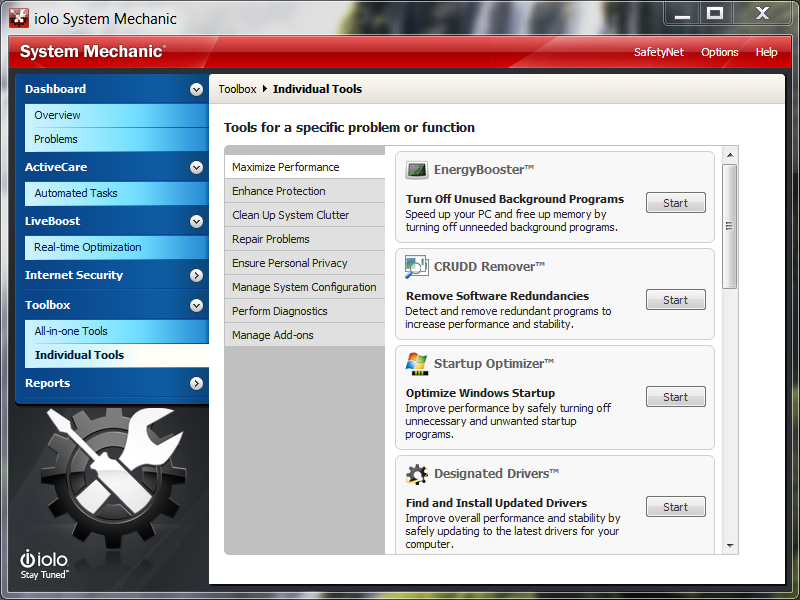
- Designated Drivers: find and install updated drivers
-
SSD Accelerator: maximize solid-state drive speed
-
Memory Mechanic: defragment memory
-
Crudd Remover: identify potentially redundant programs
-
Energy Booster: turn off unused background programs
-
Startup Optimizer: optimize Windows startup by eliminating unneeded or malicious startup files
-
Net Booster: increase internet speed by optimizing connection settings
-
Registry Compactor: defragment and compact registry
-
Program Accelerator: eliminate file system entropy
REPAIR PROBLEMS
-
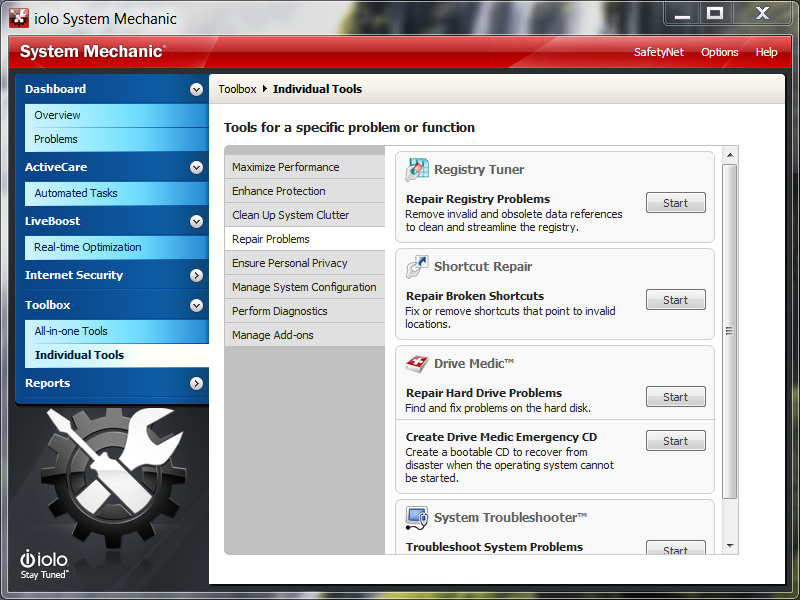
Registry Tuner: repair registry problems
-
Shortcut Repair: repair broken shortcuts
-
Drive Medic: repair hard drive problems and create Drive Medic emergency CD (bootable recovery disk)
-
System Troubleshooter: troubleshoot system problems
ENHANCE PROTECTION
-
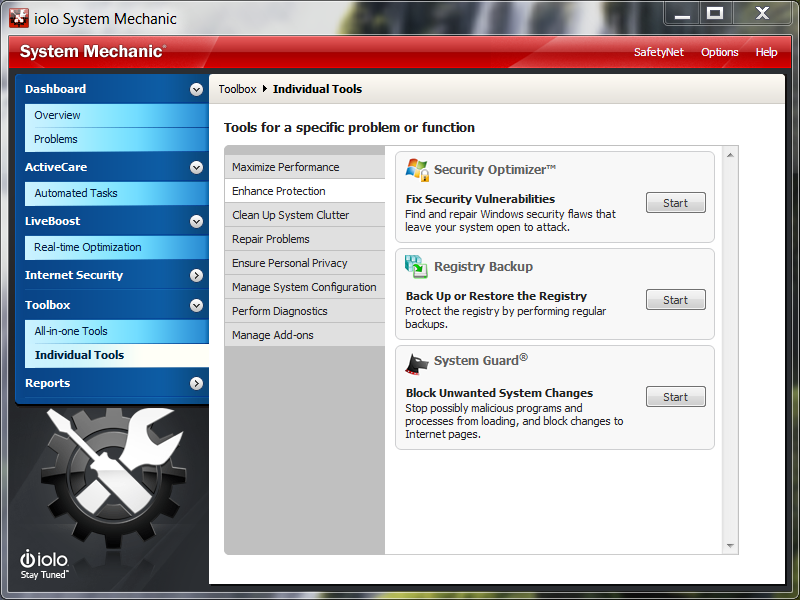
Security Optimizer: fix security vulnerabilities
-
Registry Backup: backup or restore registry
-
System Guard: configure automatic system defense
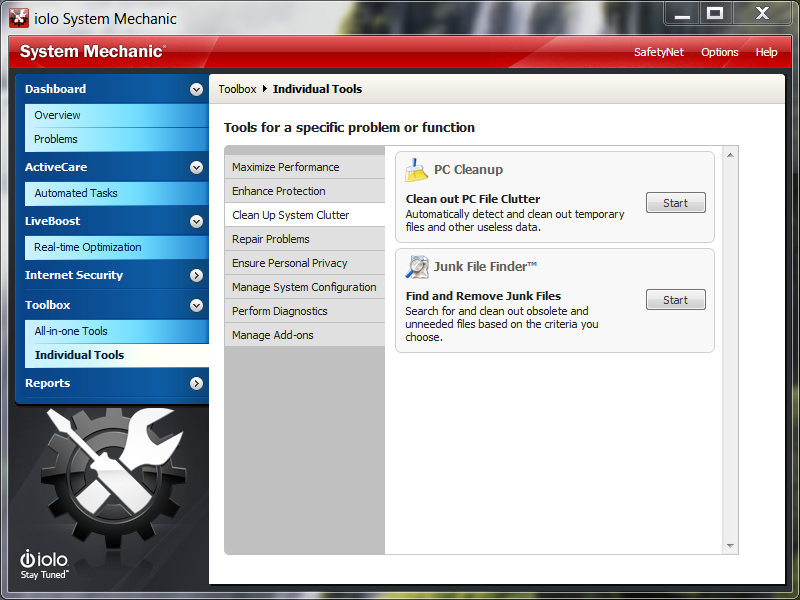
CLEAN UP SYSTEM CLUTTER
-
PC Cleanup: clean PC clutter such as temporary files and other useless data
-
Junk File Finder: find and remove junk files
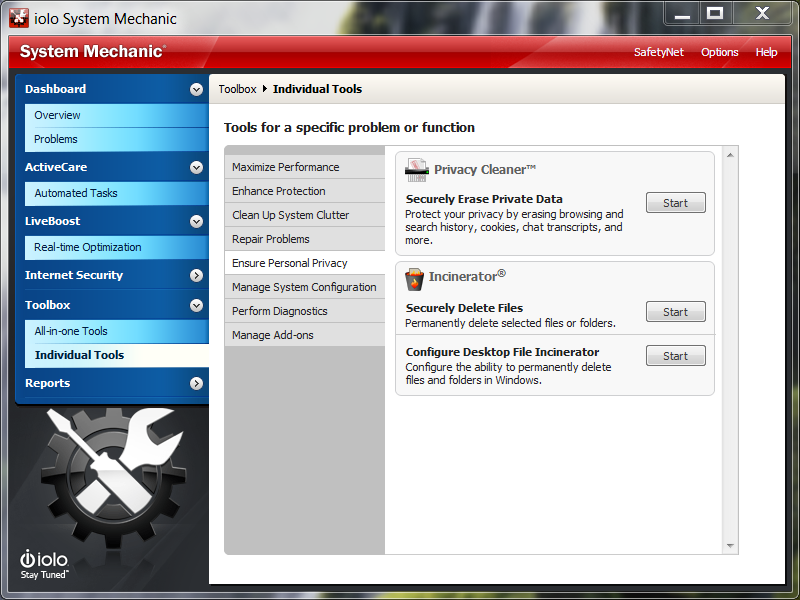
ENSURE PERSONAL PRIVACY
-
Privacy Cleaner: erase private data
-
Incinerator: securely delete files, configure desktop file incinerator and recycle bin incinerator
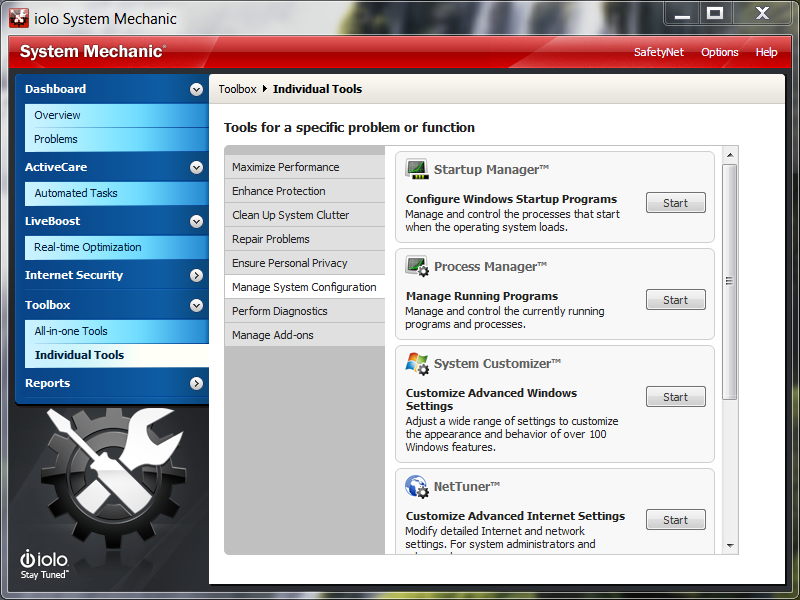
MANAGE SYSTEM CONFIGURATION
-
Startup Manager: configure Windows startup
-
Process Manager: manage running programs
-
System Customizer: customize advanced Windows settings
-
Net Tuner: customize advanced internet settings
-
Duplicate File Inspector: find duplicate files
-
Advanced Uninstaller: remove installed programs and remnants completely
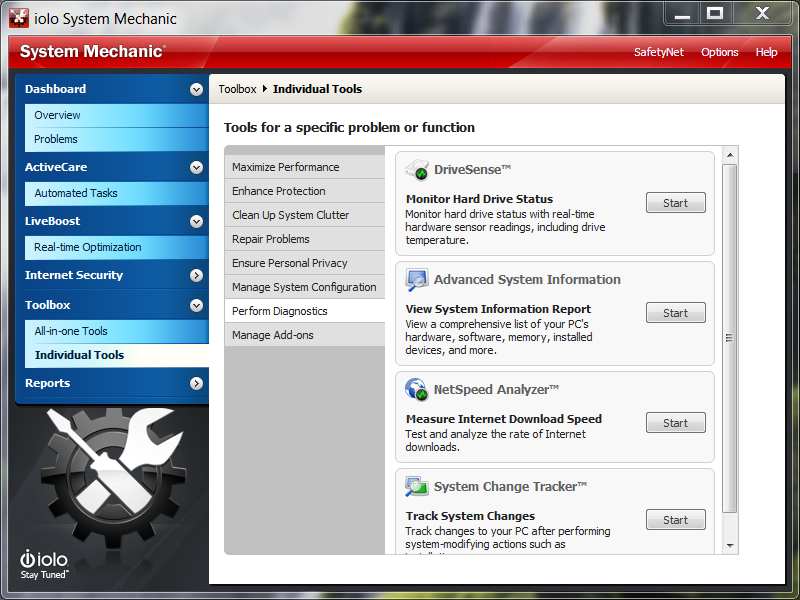
PERFORM DIAGNOSTICS
-
Drive Sense: monitor hard drive status
-
Advanced System Info: list of hardware, software, memory, devices, etc.
-
Net Speed Analyzer: measure internet download speed
-
System Change Tracker: track system changes after system-modifying actions such as installations